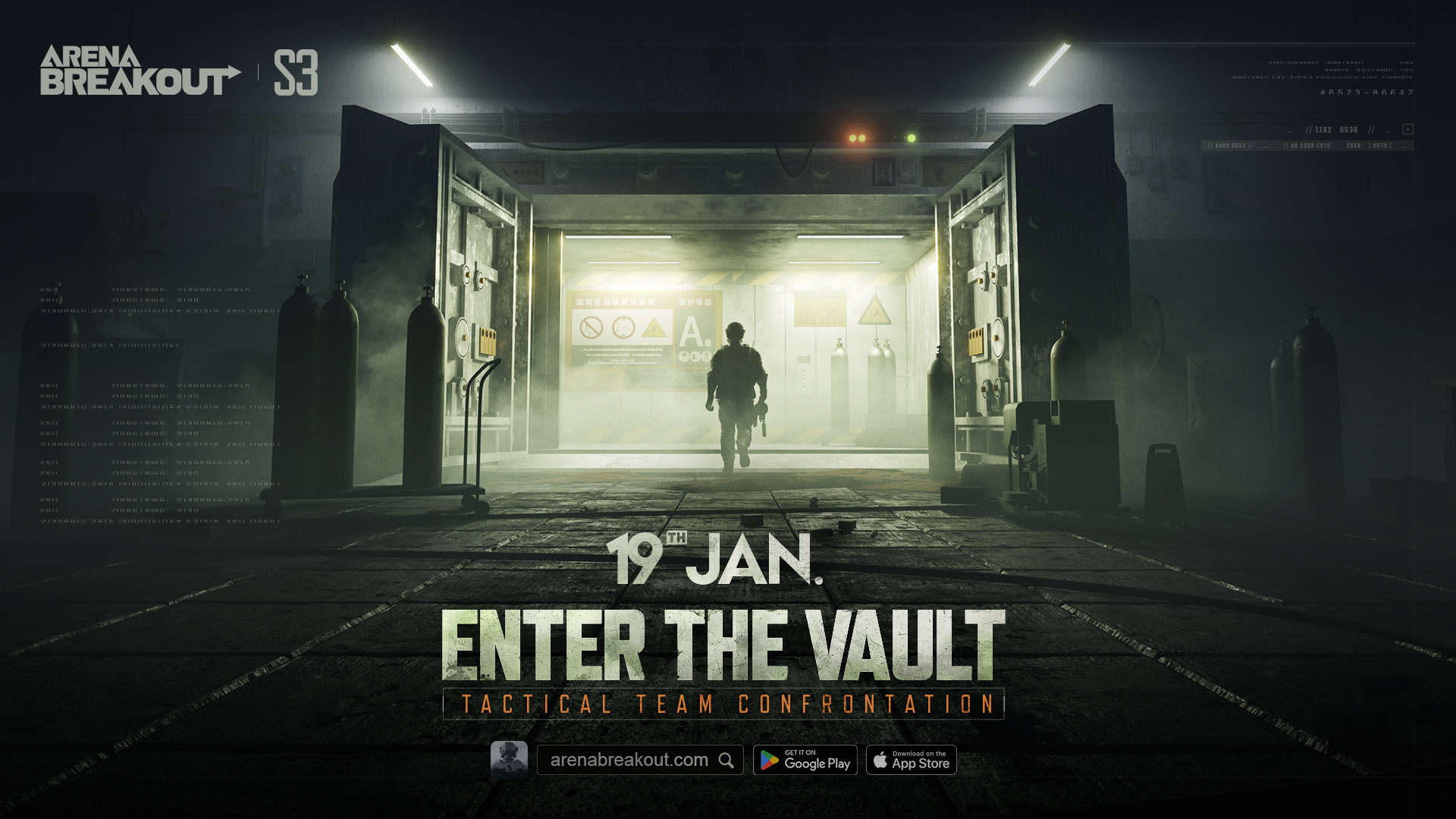
Arena Breakout is about to get a Season 3 update on Jan. 19. The vault is shrouded in mystery, with the new TV Station and Warring Factions series of events! There's also new gear, gameplay, and events. All players are invited to uncover the mysteries of the Vault! We've got some answers to frequently asked questions below to help you along the way.
Q1: How long will the server be offline for the update on Jan. 19?
A1: Matchmaking will stop on Jan. 18 at 23:00 (UTC+0), and the server is scheduled to be offline on Jan. 19 from 00:00 until 09:00 (UTC+0). Server re-opening may be earlier or later than planned, and the actual time will be announced via official channels.
Q2: Will I need to re-install the game for this update?
A2: It is generally not required. After the update is ready, most players can finish the update directly through the game. Due to the version's optimizations and adjustments, after the update is ready, Android Lite players and Taiwan's Android players will have to go to the App Store to download and re-install.
Q3: What rewards will I get for completing the S3 update?
A3: After the New Season Login Gift event starts, complete the update between Jan. 19 – Jan. 26 and log in to claim 60 coins from Events. From Jan. 19–22 only, you can claim a Universal Key from the Events page. This key can open any room (except for rooms that require cards).
Q4: Will the iOS and Android servers re-open at the same time?
A4: Yes.
Q5: Why does it say that the installer is not compatible with my device/CPU after downloading?
A5: Some lower-performance models are not compatible with the game. Examples: Android 5.1 and below; OpenGL below 3.1; 2 GB of RAM or less; devices with 32-bit CPUs. The following devices are also not compatible: Redmi Note 4, Samsung Galaxy J7+, and Huawei M3. Try switching devices or go to the official website (https://arenabreakout.com/) for more information on supported models.
Q6: After completing the update, the game lags and my device overheats. How can I make it run smoother?
A6:
1. Try closing all background processes, restarting the game, and restarting your mobile phone.
2. Check whether your device has sufficient battery and whether low-power mode is turned on. Some devices can experience lag or reduced frame rates when they have low battery or while being charged.
3. Check that your Wi-Fi signal is good or try switching network operators.
4. Reduce graphics quality or frame rate as appropriate.
The Arena Breakout Team
Arena Breakout
Duyuru · 04 Ocak 2024
Season 3 Release FAQ
Arena Breakout is about to get a Season 3 update on Jan. 19. The vault is shrouded in mystery, with the new TV Station and Warring Factions series of events! There's also new gear, gameplay, and events. All players are invited to uncover the mysteries of the Vault! We've got some answers to frequently asked questions below to help you along the way.Q1: How long will the server be offline for the update on Jan. 19?A1: Matchmaking will stop on Jan. 18 at 23:00 (UTC+0), and the server is scheduled
Season 3 Release FAQ