Hello, Operators! Arena Breakout Season 6 will be updated on October 11. To celebrate the new season, we have compiled a list of frequently asked questions. Question 1: How long will the server downtime be for the October 11 update? Answer 1: Matchmaking will be disabled on October 10 at 11:00 PM (UTC+0), and the servers will be offline from midnight to 10:00 AM (UTC+0) on October 11. Please note that the server restart time may change. We will inform you of the actual time through an official announcement. Question 2: Do I need to change the installation package for this update? Answer 2: Yes. Please follow the instructions in your existing client or install the latest version from your local App Store. Question 3: What rewards will I receive after completing the S6 update? Answer 3: Once the new season login gift event begins, you will receive 60 coins as an event reward if you complete the update and log in between October 11 and October 14. You can also obtain a Universal Key from the event page between October 11 and 14. The Universal Key is an item that can open any door (excluding doors that require a specific card). Question 4: Will both iOS and Android servers reopen at the same time? Answer 4: Yes. Question 5: I finished the download, but the installer is incompatible with my device/CPU. Why? Answer 5: Some low-spec models may not be compatible with the latest version. For example, devices with Android 5.1 or lower, OpenGL below 3.1, 2GB RAM or less, or 32-bit CPUs are not supported. Additionally, devices such as the Redmi Note 4, Samsung Galaxy J7+, and Huawei M3 are not compatible. Please visit our official website (https://arenabreakout.com/) to check supported models or if you need to replace your device. Question 6: I completed the update, but the game is lagging and my device is overheating. How can I run it smoothly? Answer 6: 1. Close all background processes, restart the game, and restart your phone. 2. Ensure your device battery is sufficient and that you are not in power-saving mode. Some devices may experience lag or frame drops when the battery is low or while charging. 3. Check your signal strength or try switching network providers. 4. Lower your graphics quality or frame rate settings. Question 7: How large is this update? How much device space should I reserve? Answer 7: 1. Android (Standard): The installer size is 883MB. If needed, you can go to Settings > Download Center to download the HD resource pack. Resource pack differences: Basic Resource Pack (Standard, 920MB): Provides smooth graphics quality and uses less storage. HD Resource Pack (1.9GB): Provides high-resolution graphics. Recommended if you have enough space. In-game map resources are approximately 2.2GB. We recommend reserving at least 10GB of free space. 2. iOS: The installer size is 2.85GB. The initial download size is approximately 2.52GB, and in-game map resources are approximately 2.3GB. We recommend reserving at least 10GB of free space. 3. Android (Lite): The installer size is 532MB. The initial download size is approximately 939MB, and in-game map resources are approximately 887MB. We recommend reserving at least 6GB of free space. Question 8: Why can't I see the keys in my keychain after this update? Answer 8: The keychain has been updated in this version. Keys that were in your keychain have been returned via mail. Please open your mail to claim your keys. Items obtained from mail are first sent to your expansion box, where you can find them. If you still cannot find your keys after claiming them, please contact in-game customer service, and we will investigate immediately. Question 9: Why is my equipped keychain not visible when I enter a specific map? Answer 9: If you have equipped a keychain build specifically for a certain map, it will not be visible when entering other maps. We recommend equipping keychain builds for each map in advance. When entering a map, the relevant equipped keychain build will be automatically matched. The capacity information provided is for reference only. Please check the actual download size for the most accurate figures. Best regards, The Arena Breakout Team
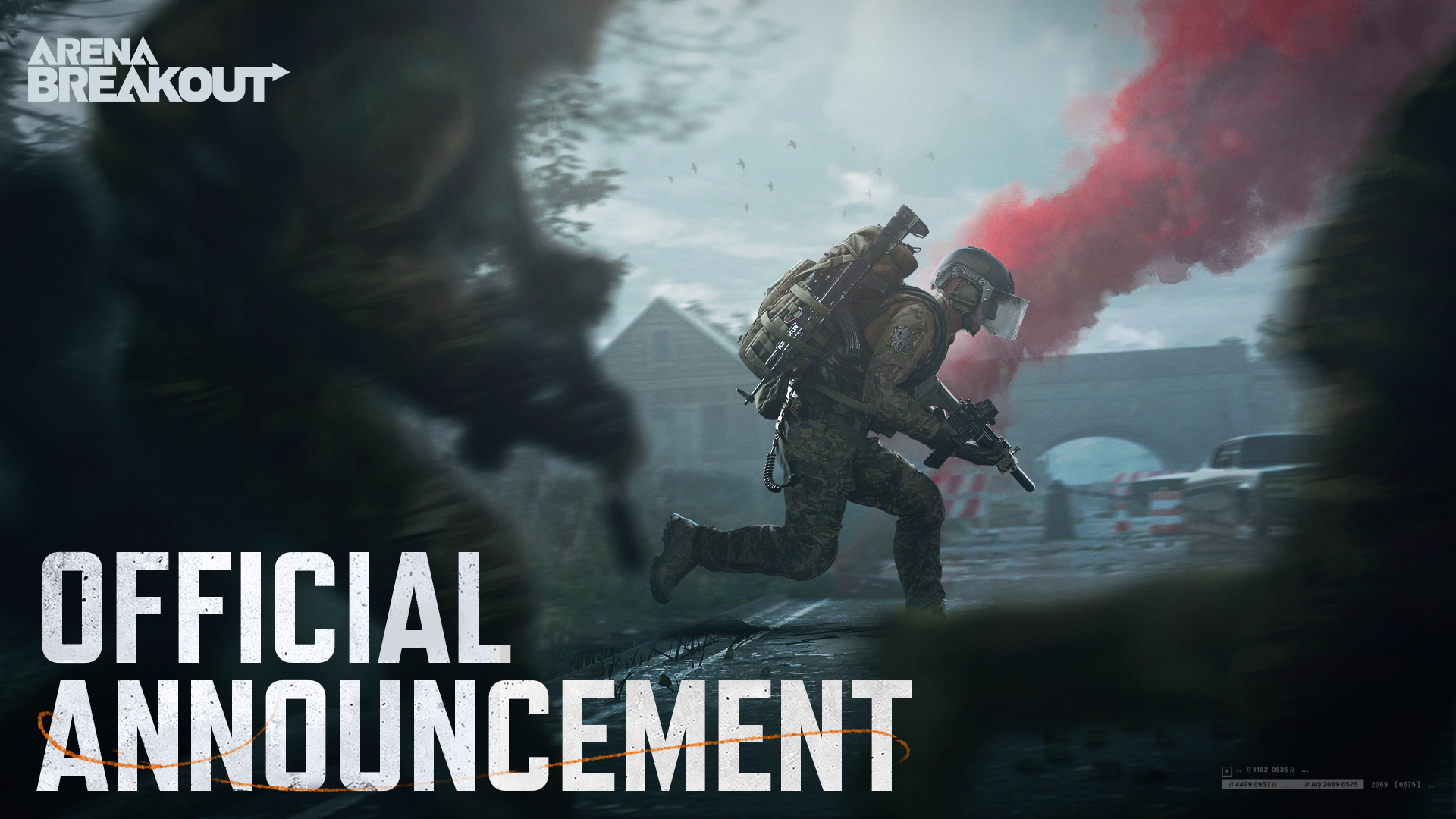
Announcement · October 08, 2024
Season 6 Update FAQ
Hello, Operators! Arena Breakout Season 6 will be updated on October 11. To celebrate the new season, we have compiled a list of frequently asked questions. Question 1: How long will the server downtime be for the October 11 update? Answer 1: Matchmaking will be disabled on October 10 at 11:00 PM (UTC+0), and the servers will be offline from midnight to 10:00 AM (UTC+0) on October 11. Please note that the server restart time may change. We will inform you of the actual time through an official announcement. Question 2: Do I need to change the installation package for this update? Answer 2: Yes. Please follow the instructions in your existing client or install the latest version from your local App Store. Question 3: What rewards will I receive after completing the S6 update? Answer 3: Once the new season login gift event begins, you will receive 60 coins as an event reward if you complete the update and log in between October 11 and 14.
Season 6 Update FAQ