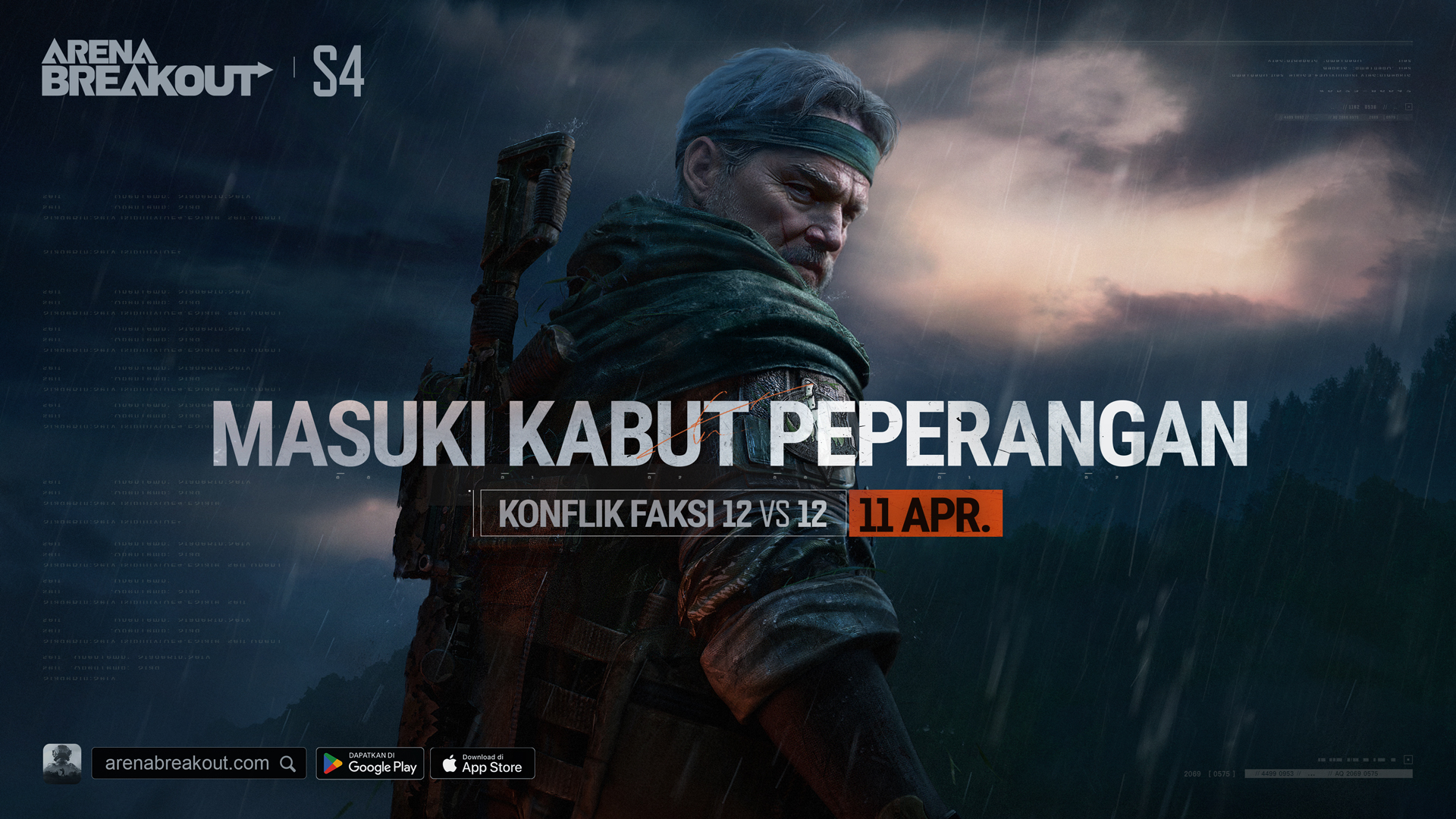
Bersiaplah untuk kejutan besar saat Musim 4 Arena Breakout tersedia mulai 11 April! Login untuk mendapatkan Kunci Universal dan koin! Cari Bruce Lee, jelajahi ekspansi Lembah, coba senapan dan perlengkapan baru... dan itu baru permulaan dari keseruannya! Di bawah ini, kamu bisa menemukan tanya jawab umum yang telah dijawab untuk membantu kamu beralih ke Musim 4 dengan lancar.
T1: Berapa lama server akan offline untuk pembaruan pada 11 April?
J1: Matchmaking akan dihentikan pada 10 April pukul 23.00 (UTC+0), dan server dijadwalkan offline pada 11 April dari pukul 00.00 sampai 09.00 (UTC+0). Pembukaan kembali server bisa dilakukan lebih cepat atau lebih lambat dari yang dijadwalkan. Lihat pengumuman kami untuk detailnya.
T2: Apa aku perlu mengubah paket penginstalan untuk pembaruan ini?
J2: Ya. Silakan ikuti perintah di klien kamu saat ini atau kunjungi Toko Aplikasi wilayahmu untuk mengunduh dan menginstal versi terbaru.
T3: Hadiah apa yang akan aku dapatkan setelah menyelesaikan pembaruan S4?
J3: Setelah event Kado Login Musim Baru dimulai, selesaikan pembaruan mulai 4 Apr. – 18 Apr.(UTC+0), lalu login untuk mengeklaim 60 koin dari halaman Event. Mulai 11 Apr. – 14 Apr. (UTC+0), kamu bisa mengeklaim Kunci Universal dari halaman Event. Kunci ini bisa membuka ruang mana pun (kecuali ruang yang memerlukan kartu).
T4: Apakah server iOS dan Android akan dibuka kembali secara bersamaan?
J4: Ya.
T5: Mengapa muncul pemberitahuan bahwa penginstal tidak kompatibel dengan perangkat/CPU setelah diunduh?
J5: Beberapa model dengan performa lebih rendah tidak kompatibel dengan pembaruan. Misalnya: Android 5.1 dan di bawahnya; OpenGL di bawah 3.1; RAM 2 GB atau lebih rendah; perangkat dengan CPU 32 bit. Perangkat berikut juga tidak kompatibel: Redmi Note 4, Samsung Galaxy J7+, dan Huawei M3. Coba ganti perangkat atau buka situs web resmi (https://arenabreakout.com/) untuk informasi lebih lanjut tentang model perangkat yang didukung.
T6: Setelah menyelesaikan pembaruan, game macet dan perangkat jadi sangat panas. Bagaimana caranya agar game berjalan lebih lancar?
J6:
1. Coba tutup semua program yang berjalan di latar belakang, mulai ulang game, dan mulai ulang ponselmu.
2. Periksa apakah perangkat memiliki baterai yang cukup dan apakah mode hemat dayanya menyala. Beberapa perangkat bisa mengalami macet atau penurunan frame rate saat baterainya rendah atau digunakan sambil diisi daya.
3. Pastikan sinyalnya bagus atau coba ganti operator jaringan.
4. Turunkan kualitas grafik atau frame rate seperlunya.
T7: Berapa ukuran pembaruannya? Berapa banyak ruang kosong yang diperlukan di perangkat?
J7:
1. Android (Standar): Ukuran penginstalnya 1,6 GB. Pemain juga bisa memilih untuk mengunduh paket sumber daya HD jika mau, atau melalui Pusat Unduhan di Pengaturan. Paket sumber daya yang berbeda adalah:
Paket Sumber Daya Standar (default), 395 MB: Kualitas grafik halus; ruang penyimpanan yang dibutuhkan lebih kecil.
Paket Sumber Daya HD, 1,3 GB: Grafik resolusi lebih tinggi; disarankan jika memiliki ruang penyimpanan yang cukup.
Sumber daya peta dalam game sekitar 1,4 GB. Sebaiknya siapkan ruang penyimpanan kosong setidaknya 6 GB.
2. iOS: Ukuran penginstalnya 3,3 GB. Unduhan permulaannya sekitar 1.050 MB dan sumber daya peta dalam game sekitar 1,5 GB. Sebaiknya siapkan ruang penyimpanan kosong setidaknya 6 GB.
3. Android (Lite): Ukuran penginstalnya 854 MB. Unduhan permulaannya sekitar 640 MB dan sumber daya peta dalam game sekitar 0,6 GB. Sebaiknya siapkan ruang penyimpanan kosong setidaknya 3 GB.
Ukuran file di atas hanya untuk referensi. Periksa unduhan sebenarnya untuk mengetahui angka yang akurat.
Tim Arena Breakout
Arena Breakout
Pengumuman · 31 Maret 2024
TJU Pembaruan Musim 4
Bersiaplah untuk kejutan besar saat Musim 4 Arena Breakout tersedia mulai 11 April! Login untuk mendapatkan Kunci Universal dan koin! Cari Bruce Lee, jelajahi ekspansi Lembah, coba senapan dan perlengkapan baru... dan itu baru permulaan dari keseruannya! Di bawah ini, kamu bisa menemukan tanya jawab umum yang telah dijawab untuk membantu kamu beralih ke Musim 4 dengan lancar.T1: Berapa lama server akan offline untuk pembaruan pada 11 April?J1: Matchmaking akan dihentikan pada 10 April pukul 23.0
TJU Pembaruan Musim 4